FeaturesBooking page and website widget
Take bookings on your own website, in your own style.
Cheeky Table gives every venue a booking page and a website widget. The widget is one line of code that adds a "Book a table" button or an inline booking form to your site. Guests pick a date, time and party size against your real availability and get an email confirmation straight away.
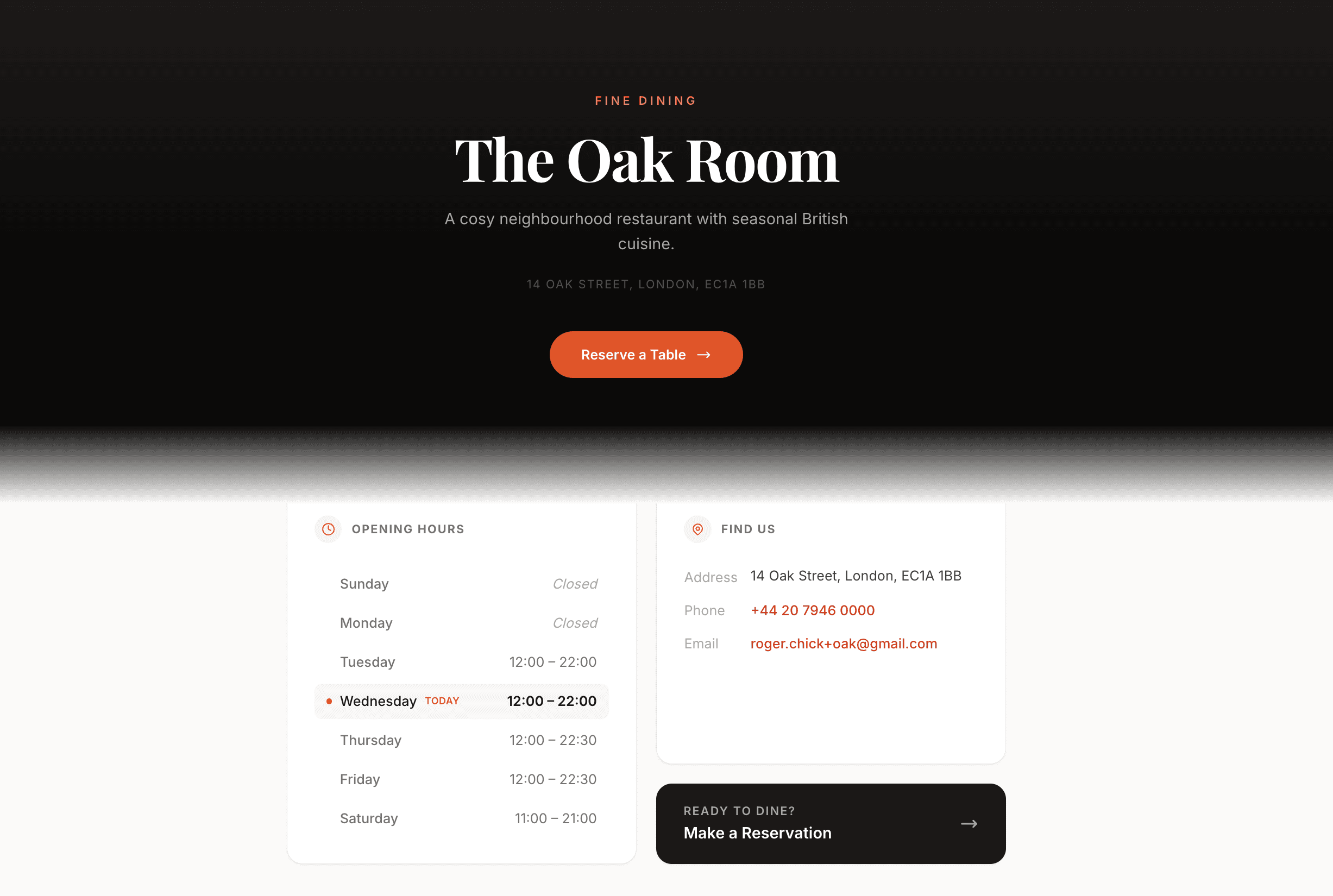
What you get
One line of code
Paste a single script tag into your website. Show the widget inline on a page, or as a floating button on every page.
Your own booking page
A page at cheekytable.com/your-venue in your logo, colours and fonts, ready to link from your Instagram bio, Google profile and emails.
Real availability
Guests only see times you can seat, based on your opening hours, tables and booking rules.
Ten languages
The booking page follows the guest's browser language, with ten languages including English, French, German and Spanish.
Confirmation by email
Guests get an email confirmation with a link to cancel online, and you get an email for every new booking.
Book a specific service
Point a widget at one named service, such as the bar, so it only offers those times.
Set it up in three steps
Create your venue and set your opening hours and tables.
Copy the widget code from your dashboard, or copy your booking page link.
Paste the code into your website, or add the link to Instagram and Google.
Questions owners ask
Does the widget work with any website?
It works on any site where you can add a script tag, including most website builders. If yours does not allow scripts, link to your booking page instead.
Do I pay for bookings that come through the widget?
No. Every booking is included in the flat monthly price, whichever channel it comes from.
Can I match the widget to my brand?
Yes. Set the button label and colour, and your booking page uses your logo, colours and fonts.
Further reading
Marketing
How to Use Online Booking Links to Grow Direct Reservations
Reservations
Should Your Restaurant Stop Taking Phone Reservations?
Technology
Why Your Café Needs an Online Booking System (Even If You're Small)