The short answer: since our November update, guests can sign up to your mailing list as they book, your phone can tell you the moment a booking comes in, Cheeky Table installs on your phone like an app, and you can sign in with Google. You can also jump to any date from a calendar, seat a bigger party on a smaller table when you need to, and download all your bookings and guests as a spreadsheet.
Most of this came from one venue. The Coco Lounge in Mansfield sent four requests on Sunday night, and three of them were live by Monday lunchtime.
Build your mailing list as guests book
Turn on Mailing list sign-ups in Settings, under Booking settings, and your booking form asks guests: "Send me news and offers from [your venue]".
- The box starts unticked. Guests can book either way, so only people who want your offers sign up.
- Phone bookings too. When you add a booking yourself, there's a matching box for when a guest says yes on the phone.
- Every yes is recorded. You can see when they said yes, how, and the exact wording they agreed to, so you can always show what someone signed up for.
- Guests can stop at any time. Guests who signed up get a small "stop" link in their booking emails, and you can stop it for a guest from their page if they ask.
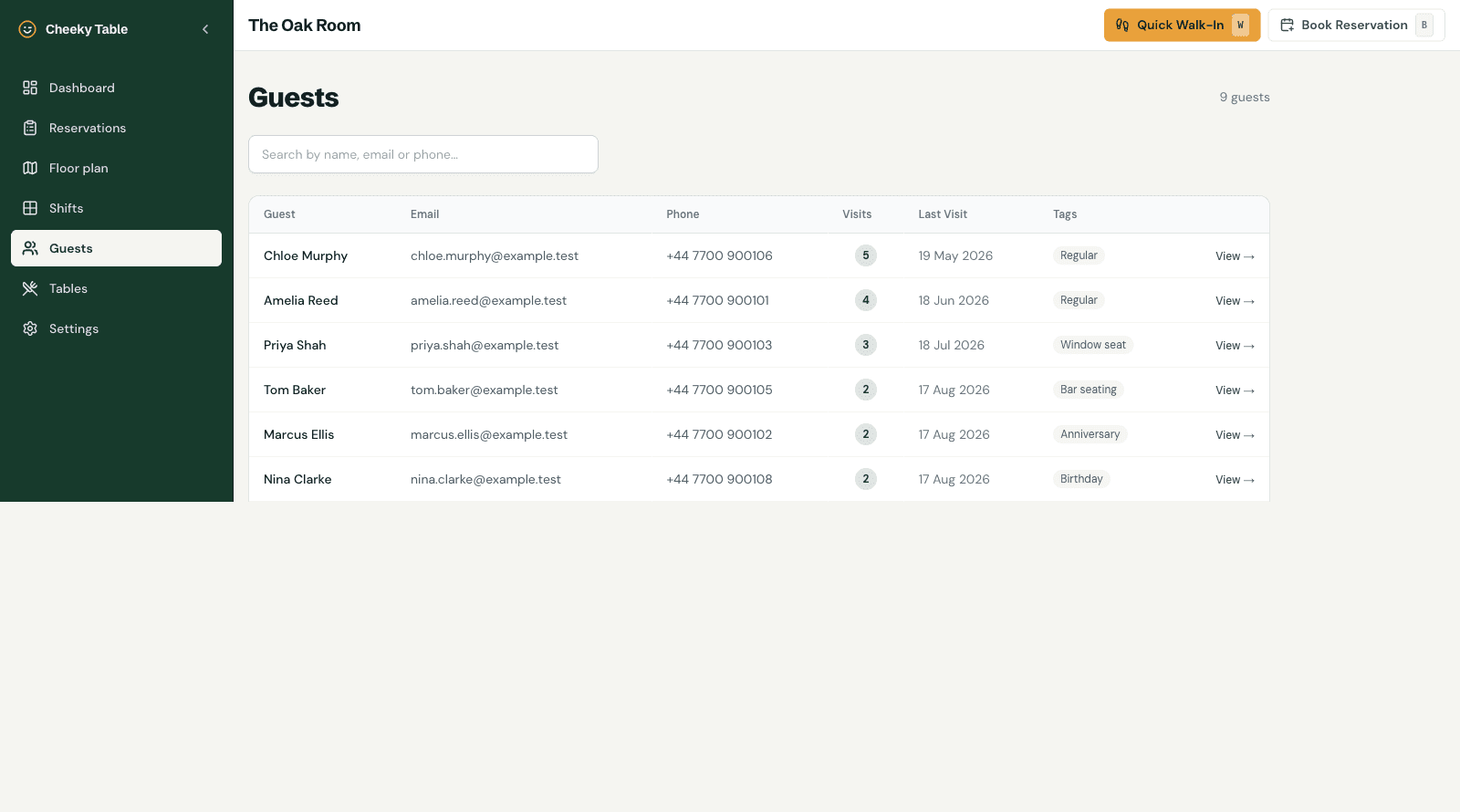
- Find them on your guest list. A new News and offers column shows who said yes and when, and a filter shows just them.
- Take the list with you. In Settings, under Your data, Download mailing list gives you a spreadsheet of everyone who said yes, ready to import into Mailchimp or whatever you use to send your offers.
You send the newsletters yourself, from your own mailing tool. Cheeky Table builds the list and keeps the record of who agreed.
Notifications on your phone
Cheeky Table can now send a notification to your phone or computer:
- when a new booking comes in for today or tomorrow
- when a booking for today or tomorrow is cancelled, so you can offer the table to someone else
- when a booking is waiting for you to confirm, with a Confirm button right on the notification
Each person on your team chooses which they want, and quiet hours (23:00 to 08:00 to start with) keep it from buzzing overnight. You're not notified about bookings you add yourself. Find it under Notifications in the menu.
Cheeky Table as an app on your phone
Add Cheeky Table to your home screen and it opens like an app: full screen, and straight on your venue's dashboard. On Android, tap Install on the dashboard. On iPhone, open Cheeky Table in Safari, tap Share, then Add to Home Screen. On iPhone you'll need to do this before notifications will work.
On a phone, the top bar now has a Menu button with every page in it, while Quick walk-in and Book reservation stay one tap away.
Jump to any date
On Reservations, the Table plan and Shifts, tap the date at the top and a calendar opens, so you can go straight to a day weeks ahead instead of clicking through one day at a time. On Shifts it takes you to that week.
Seat a bigger party on a smaller table
Sometimes five people fit round a table for four. When you add or edit a booking, you can now pick a table with fewer seats than the party. You'll be asked to confirm first, as a reminder to find another chair. Online bookings still follow your table limits exactly.
Book a regular with just a name
When you add a booking or walk-in yourself, email and phone are now optional, so you can book in a regular with just their name. Without an email, the guest won't get a confirmation or reminder.
Your data, whenever you want it
In Settings, under Your data, you can download all your bookings or your whole guest list as a spreadsheet that opens in Excel, Numbers or Google Sheets. It's handy for a backup, for your accountant, or if you ever want to do something else with your guest list. It's your data, so you can take it anywhere.
A "Book a table" button for your website
In Settings, under Help & Sharing, there's a new Booking button option: a "Book a table" button you can paste anywhere on your website, like your menu or contact page. It opens the booking form in a popup, and on phones it goes straight to your booking page.
Sign in with Google
You can now sign up and log in with your Google account, with no password or email link needed. Signing up and logging in are now separate, clearer pages, and if you mistype your email address (gmail.con, say), we'll suggest the fix before you get stuck waiting for an email that never arrives. The setup wizard for new venues is shorter too, with fewer fields and plainer wording.
New-look emails for your guests
Confirmation and reminder emails have been redesigned to look like a booking ticket, with your venue's name at the top and the booking details clear at a glance.
Smaller things
- Your booking page looks better in Google. Your venue's page and booking page now show a proper description in search results, built from your own venue description.
- Signing out on a shared device really signs you out. Handy on a tablet behind the bar: the next person has to sign in as themselves, and Google asks which account to use each time.
- Straight answers about support. Our FAQ now explains who's behind Cheeky Table, that you'll get a reply within 24 hours, how your bookings are backed up, and what would happen to your data if Cheeky Table ever closed.
Still on the list
Cheeky Table still doesn't send text messages or take deposits and card holds. A feedback email after the visit is next. If something would make your service easier, tell us.
Cheeky Table is one flat £9.99 a month with every feature included, and no per-cover fees. Claim 6 months free →